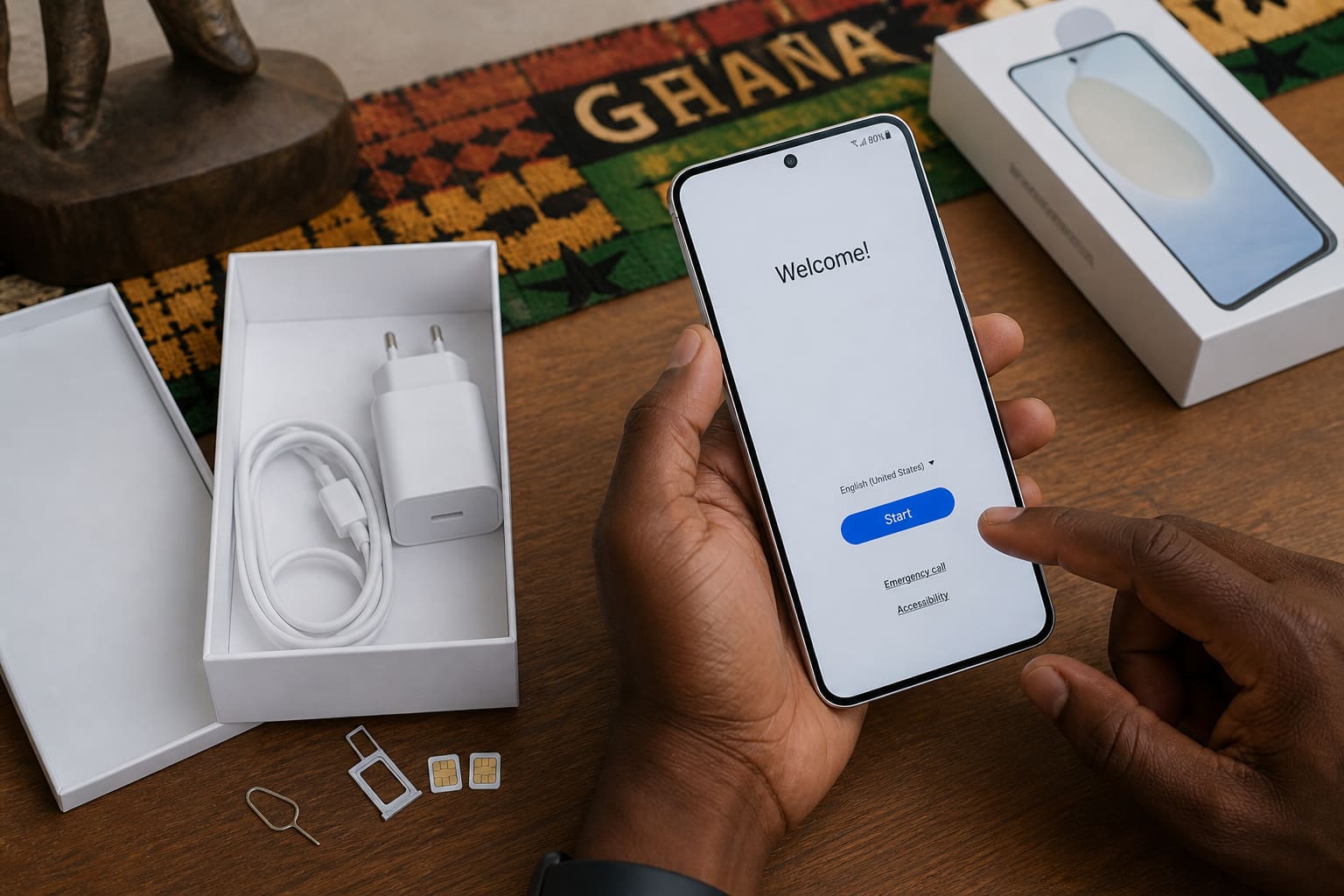
A new Android phone feels fast until bloat, bad defaults, and skipped backups catch up. Spend 30 focused minutes now.
Setup Order That Works
- Insert SIM(s) and connect Wi‑Fi
- Sign into Google (Play Store + Find My Device)
- Install updates (system + Play System)
- Restore WhatsApp from Drive (if migrating)
- Turn on Google Photos backup (or your chosen cloud)
- Set a strong screen lock + fingerprint/face
- Disable startup junk / uninstall what you don’t need
Related: Back Up Android · Factory Reset Safely.
Ghana-Specific Tweaks
| Setting | Why |
|---|---|
| Data warning / limit | Stop surprise MTN/Telecel bills |
| Download apps on Wi‑Fi only | Save data |
| Disable lock-screen ad/recommendations | Some OEM skins show promo cards |
| Battery optimisation exceptions | WhatsApp, alarms, banking apps |
Skip for Later
- Theme packs from random sites
- “Cleaner” apps
- Unknown APKs from Telegram
FAQ
Transfer from iPhone?
Google’s cable/wireless tools help; WhatsApp has official move guides — follow current WhatsApp steps.
Dual SIM tips?
Label SIMs (Work/Personal) and set default for calls vs data.
Sources / Verify With
- Google Android Help setup pages
- Your brand’s migration tool docs (Smart Switch, etc.)
Original Sen Gideons News Studio editorial.