## Why Opening Links in a New Tab Matters in 2025
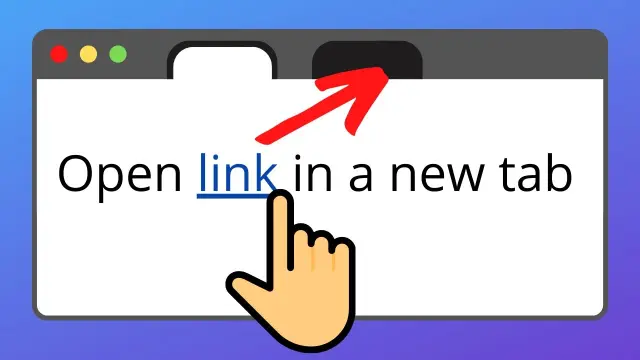
In today’s fast-paced digital landscape, ensuring a seamless user experience is paramount. One effective way to enhance navigation is by opening external links in a new browser tab. This approach keeps users engaged on your site while allowing them to explore additional content.
## How to Open a Link in a New Tab Using HTML
The fundamental method to open a link in a new tab involves the **target=”\_blank”** attribute within the anchor (**<a>**) tag:
<a href="https://example.com" target="_blank">Sen Gideons</a>
This code instructs the browser to open the linked page in a new tab or window, depending on the user’s browser settings.
## Enhancing Security with rel=”noopener noreferrer”
While **target=”\_blank”** is effective, it introduces a security vulnerability known as “tabnabbing.” This occurs when the newly opened page gains access to the original page’s window.opener object, potentially leading to malicious exploits.
To mitigate this risk, always pair **_target=”\_blank”_** with **_rel=”noopener noreferrer”_**
<a href="https://example.com" target="_blank" rel="noopener noreferrer">Sen Gideons</a>
* **_noopener_** prevents the new page from accessing the **_window.opener_** property. * **_noreferrer_** prevents the browser from sending the referring page’s URL to the new page.
Implementing these attributes enhances security and aligns with best practices recommended by web development communities.
## When to Use **_target=”\_blank”_**
Opening links in a new tab is beneficial in scenarios such as:
* **External Links:** Directing users to third-party websites. * **Downloadable Resources:** Providing access to PDFs or other downloadable content. * **Forms and Surveys:** Allowing users to complete forms without leaving the main site.
However, overusing this feature can lead to a cluttered browsing experience. Use it judiciously to maintain user engagement.
By using this code, the Open in new tab text will be displayed as a clickable link, and when clicked, it will open the URL https://www.example.com in a new tab.