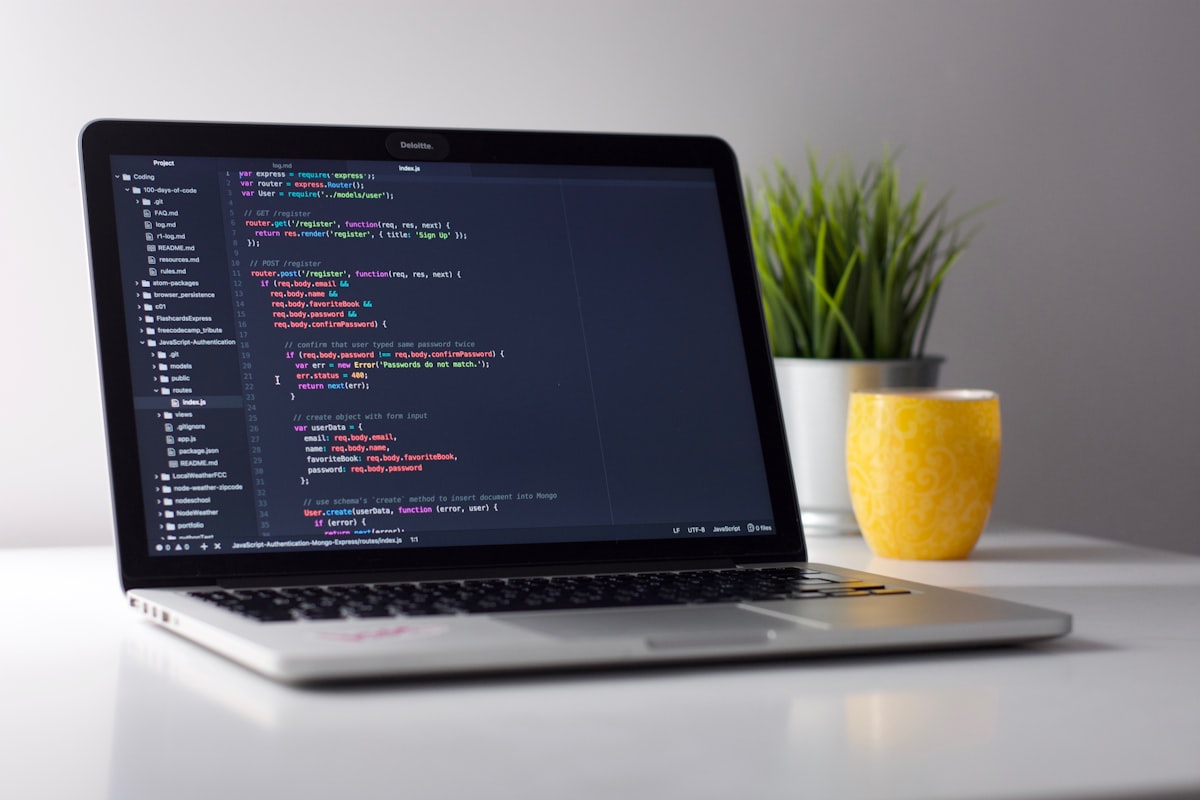
Coding tips for beginners. If you are just starting out, these five habits will help more than jumping between random tutorials.
- Always plan before you code
- Build algorithmic thinking
- Mix code with real life
- Practice regularly
- Join tech communities
This expands the short list I shared on TikTok: Coding tips for beginners.
Happy coding — and keep it sustainable.
Related guides: What is software engineering? · Top coding languages 2026 · Top 3 CS tips.
1. Always plan before you code
Outline your approach before you open the editor and start typing.
A simple plan can be:
- What problem am I solving?
- What should the program accept as input?
- What should it output or show?
- What are the edge cases (empty input, wrong type, no internet)?
- What is the smallest version that still works (MVP)?
Even 5–10 minutes of planning saves hours of confused rewriting.
This is the beginner version of the planning step in software engineering.
Try this today: write the steps in plain language (or bullet points) first. Then turn each bullet into code.
2. Algorithmic thinking
Algorithmic thinking means breaking problems into clear steps and making good decisions about order, conditions, and data.
How to train it:
- Solve small coding puzzles regularly (not only binge once a month)
- Trace problems on paper: “what happens on line 1, 2, 3?”
- Compare two approaches: brute force vs smarter steps
- Explain your solution out loud like you are teaching a friend
You do not need to become a contest champion. You need a habit of structured problem-solving.
Everyday practice: when you face a real task (“sort these names,” “find duplicates,” “calculate change”), invent the steps before searching for a library.
3. Mix code with real life
Build projects connected to your everyday use so learning feels personal.
Ideas that work well:
- Expense or savings tracker for your own budget
- Study timetable / reminder tool
- Simple shop catalog for a family business
- WhatsApp-style FAQ bot for a campus club (even as a web form first)
- Personal portfolio that shows your real projects
Tutorial clones teach syntax. Personal projects teach ownership.
Pair this with a language choice from Top coding languages to learn in 2026.
4. Practice regularly
Consistency beats intensity.
A realistic beginner rhythm:
| Habit | Example |
|---|---|
| Daily | 45–90 minutes focused practice |
| Weekly | Finish one small feature or puzzle set |
| Monthly | Ship or demo one tiny project |
Missing a day is fine. Missing a month resets momentum.
Protect practice time like a class you cannot skip. Phones out. One goal per session.
More on standing out with discipline and Git habits: Stand-out CS tips.
5. Join tech communities
Learning alone is possible — learning with others is usually faster and less lonely.
Good community moves:
- Ask clear questions (what you tried + what failed)
- Share progress, not only finished polish
- Help someone one step behind you
- Attend meetups, campus clubs, Discord/Telegram study groups
- Follow builders whose work you respect — then build your own
Community is not vanity metrics. It is feedback, accountability, and encouragement.
A one-week starter plan
Day 1–2: Pick one language. Set up your tools. Write a tiny “hello + input” program.
Day 3: Plan + build a mini real-life script (e.g. tip calculator, unit converter).
Day 4: Do 2–3 easy puzzles. Trace solutions on paper first.
Day 5: Improve yesterday’s project (validation, clearer messages).
Day 6: Share what you built in a community and ask for one critique.
Day 7: Rest or light review — write notes on what confused you.
Repeat the loop. That is how beginners become builders.
Use the longer skill map here: Computer science roadmap.
Common beginner traps to avoid
- Copy-pasting code you cannot explain
- Starting five courses and finishing none
- Waiting until you “know enough” to build anything
- Comparing your week 1 to someone else’s year 3
- Only watching videos — never typing
If it feels hard sometimes, that is normal. See Is computer science hard?.
FAQ
How long before I feel “good” at coding?
It varies. Many beginners feel more confident after weeks of consistent practice and a few finished mini projects — not after one weekend binge.
Should I memorize syntax?
Learn enough syntax to move. Keep docs open. Understanding beats memorizing every function name.
Are coding puzzles enough?
Puzzles train thinking. Real projects train product sense and debugging under messy conditions. Use both.
Do I need a computer science degree first?
Not always. A degree helps some paths; skills and projects help all paths. Read Should you study CS in 2026?.
Bottom line
For beginners: plan first, train algorithmic thinking, build real-life projects, practice consistently, and join communities.
Do those five on repeat and coding stops feeling like random magic — it becomes a craft you can improve.
Original short version: TikTok photo post. Keep going with What is web design? and Top 9 CS jobs.