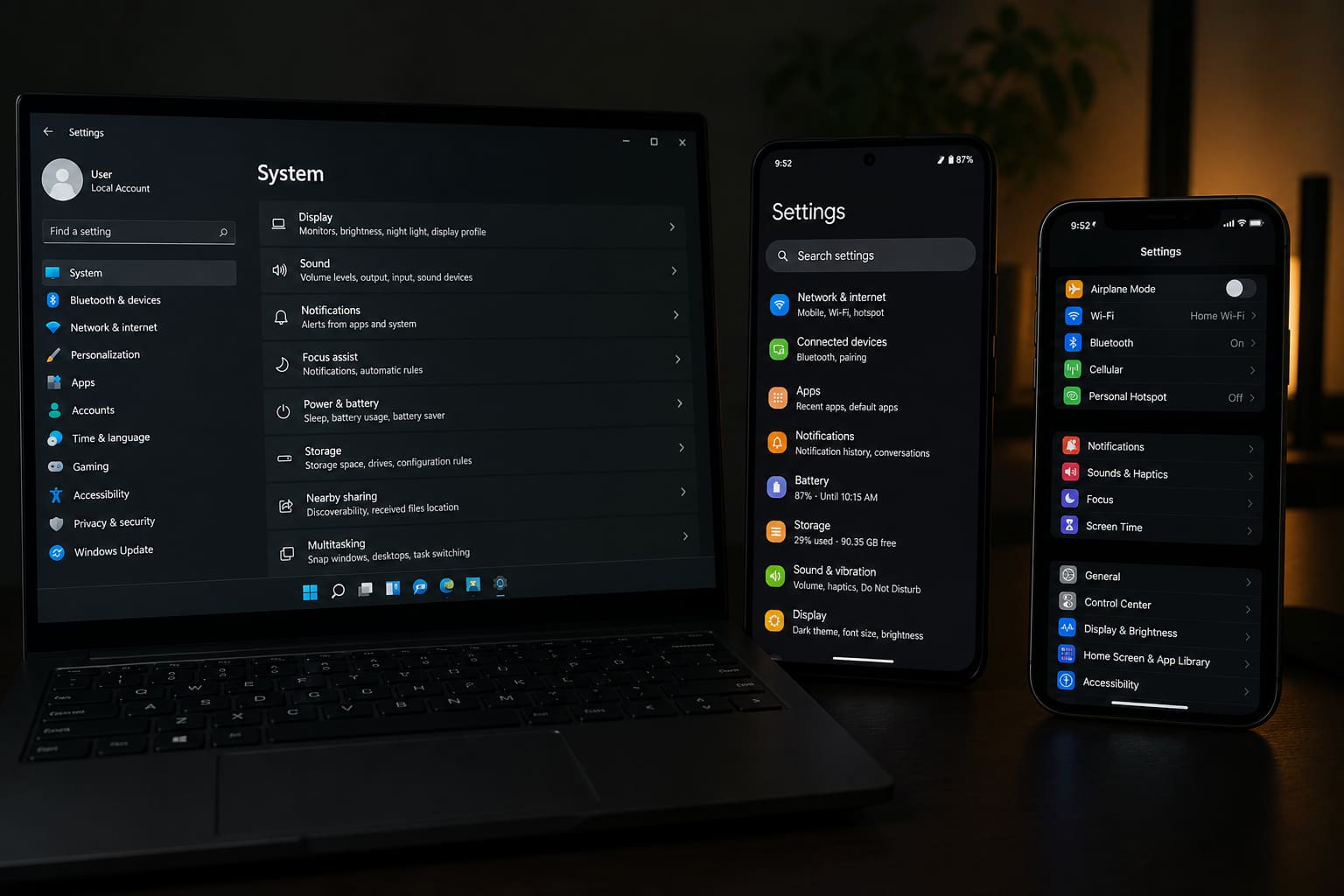
Dark mode reduces glare at night and looks cleaner for many apps. Here’s how to enable it across devices.
Windows 11 / 10
- Settings → Personalisation → Colours
- Choose Dark under Mode (Windows 11: “Choose your mode”)
- Optional: set accent colours separately
Some apps ignore system theme until you set dark inside the app (Chrome, Office).
Android
- Settings → Display → Dark theme / Dark mode
- Schedule sunset-to-sunrise if available
Quick Settings often has a Dark theme tile.
iPhone
- Settings → Display & Brightness → Dark
- Or Control Center → brightness long-press → appearance toggle
- Optional Automatic schedule
Dark Mode — FAQ
Does it save battery?
On OLED phones, yes a bit (black pixels off). On most laptops LCDs, negligible.
Why is one app still white?
App has its own theme setting, or doesn’t support dark UI.
Eye comfort vs dark mode
Night Light / Eye Comfort filters are separate — they reduce blue light even in light theme.
Sources / Verify With
- Microsoft personalisation docs
- Apple / Google display settings help
Original Sen Gideons News Studio editorial.