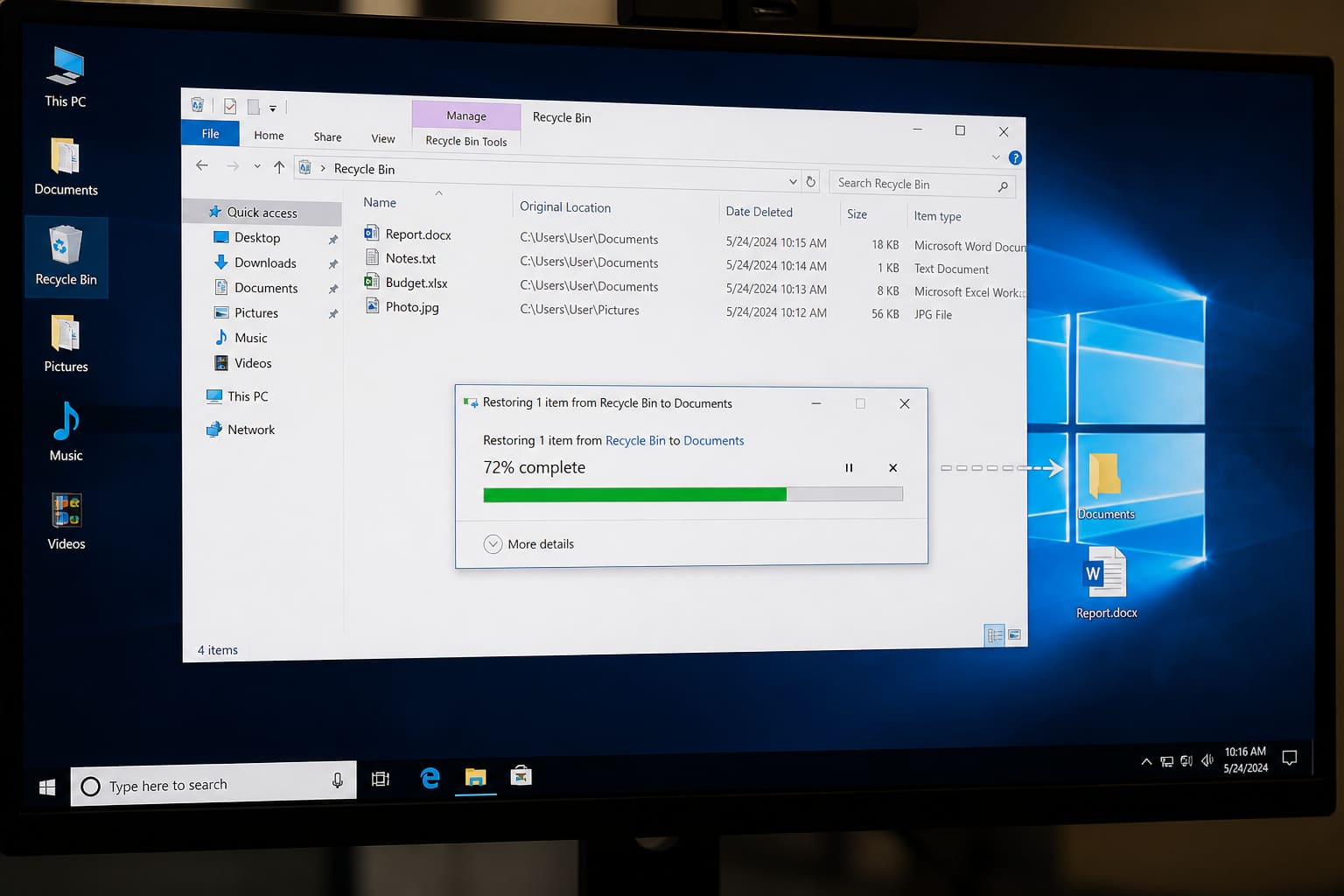
Deleted the wrong document? Act fast — the more you use the PC after deletion, the harder recovery gets.
Step 1: Recycle Bin
- Open Recycle Bin
- Find the file → right-click → Restore
If you used Shift + Delete, it skipped the Bin.
Step 2: OneDrive / Google Drive
If the file lived in cloud sync folders:
- Check web Recycle / Trash bins (OneDrive and Drive keep deleted files for a period)
- Check Version history on Office files
Step 3: Previous Versions / File History
On some Windows setups:
- Right-click the folder that held the file
- Properties → Previous Versions
Only works if File History / restore points / backups were enabled.
Step 4: Recovery Software (Last Resort)
Tools can scan the disk for remnants — success isn’t guaranteed.
Rules:
- Install recovery tools on a different drive if possible
- Stop writing large files to the affected drive
- Prefer reputable tools; avoid crack sites
Prevention Beats Recovery
| Habit | Why |
|---|---|
| OneDrive/Drive Desktop backup | Accidental deletes recoverable |
| USB / external weekly copy | Ransomware + drive failure insurance |
| Don’t Shift+Delete casually | Bin is a safety net |
Deleted Files — FAQ
Can I recover after emptying Recycle Bin?
Sometimes — not always. Speed and limited disk use help odds.
Does formatting destroy everything?
It makes recovery much harder. Assume data may be gone.
Phone deleted photos?
Check Google Photos trash / iCloud Recently Deleted — different from Windows Bin.
Sources / Verify With
- Microsoft File History / OneDrive recycle docs
Original Sen Gideons News Studio editorial. No recovery method is 100%.