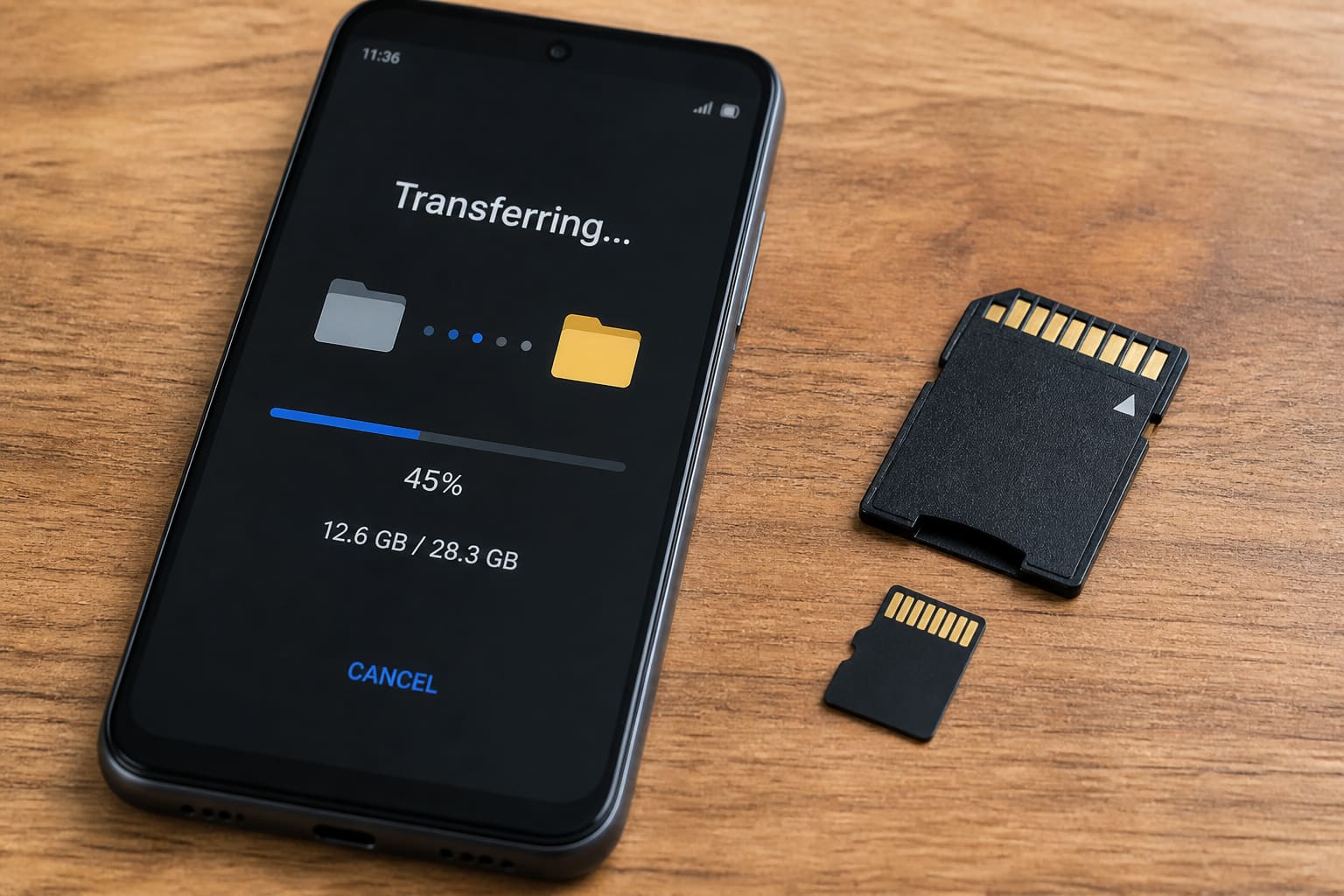
An SD card still saves budget Android phones — if your model supports one.
Photos & Downloads (Easiest)
- Insert a reputable microSD
- Open Files / My Files
- Select big folders (Camera, Download, WhatsApp Media)
- Move / Copy to SD card
- Set Camera to save to SD if the option exists
Apps to SD?
Modern Android often doesn’t allow moving all apps to SD. Some OEMs offer “move to SD” for a subset — don’t expect miracles.
Adoptable storage (formatting SD as internal) exists on some devices — convenient but the card becomes harder to swap between phones.
Format reference: USB/SD formats.
FAQ
Which speed class?
Prefer A1/A2 or reputable UHS cards — cheap fakes corrupt WhatsApp media.
Card not detected?
Reseat, try another card, check dirt in the tray; avoid forcing the slot.
Sources / Verify With
- Phone manual for max SD capacity
- Card brand endurance ratings
Original Sen Gideons News Studio editorial.