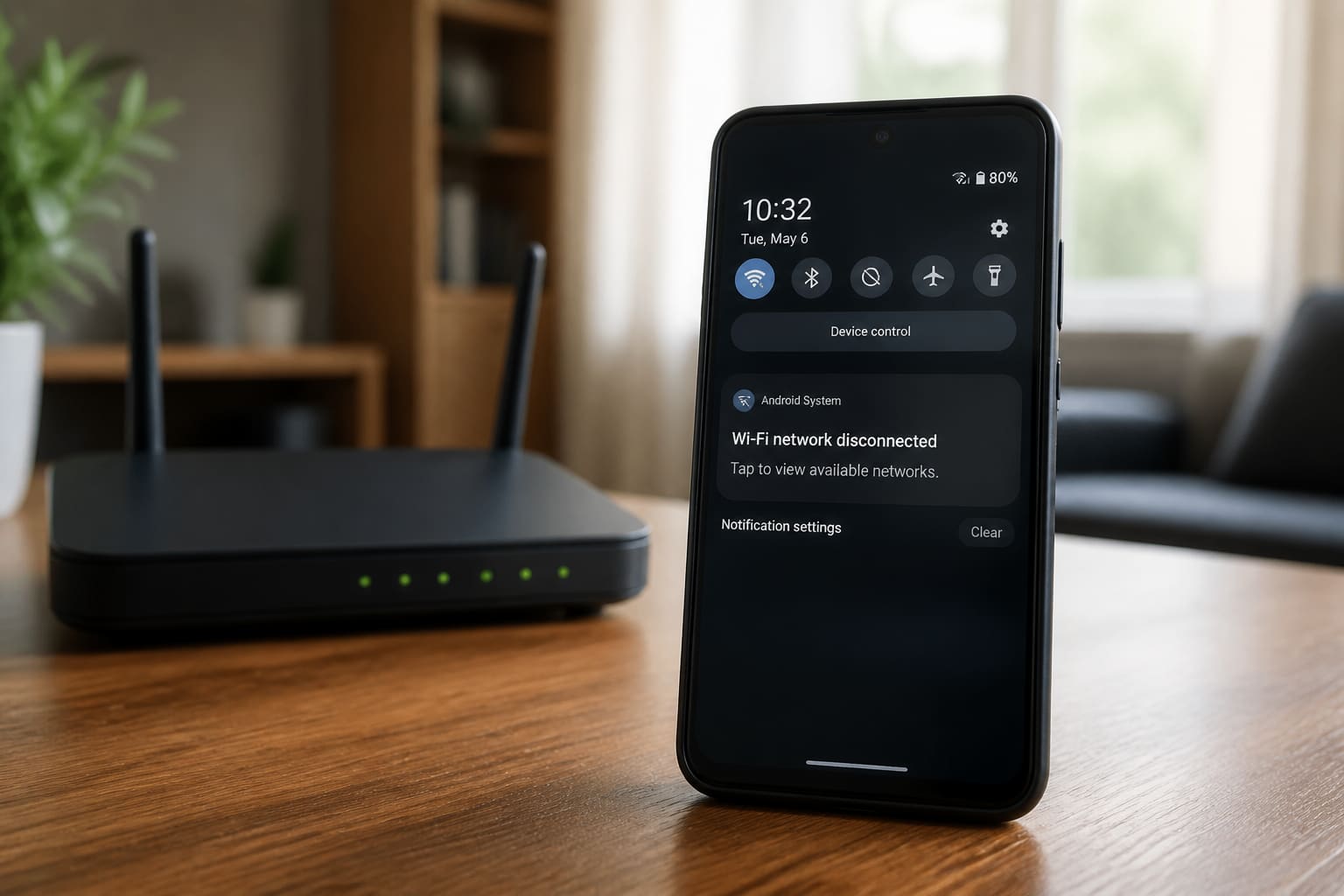
If Wi‑Fi works on other devices but your Android drops constantly, fix the phone side first.
Quick Phone Fixes
- Forget the network → reconnect
- Toggle Airplane mode
- Disable “Switch to mobile data automatically” / Wi‑Fi assistant
- Set Wi‑Fi battery usage to unrestricted for stability tests
- Forget Randomised MAC temporarily (Privacy → Use device MAC) on stubborn routers
- Restart phone + router
Still Dropping?
| Check | Action |
|---|---|
| 5 GHz vs 2.4 GHz | Try the other band |
| IP settings | Renew / reboot router DHCP |
| VPN | Disconnect and retest |
| After update | Clear Wi‑Fi cache / reset network settings (last resort) |
Related: Wi‑Fi Connected But No Internet · Home router buying.
FAQ
Only on campus Wi‑Fi?
Captive portals and AP steering cause weird drops — reconnect / forget often.
Hotspot from another phone?
Congestion and sleep policies kill hotspots — keep the host phone awake/plugged.
Sources / Verify With
- Google Android Wi‑Fi help
- Router admin for channel congestion
Original Sen Gideons News Studio editorial.