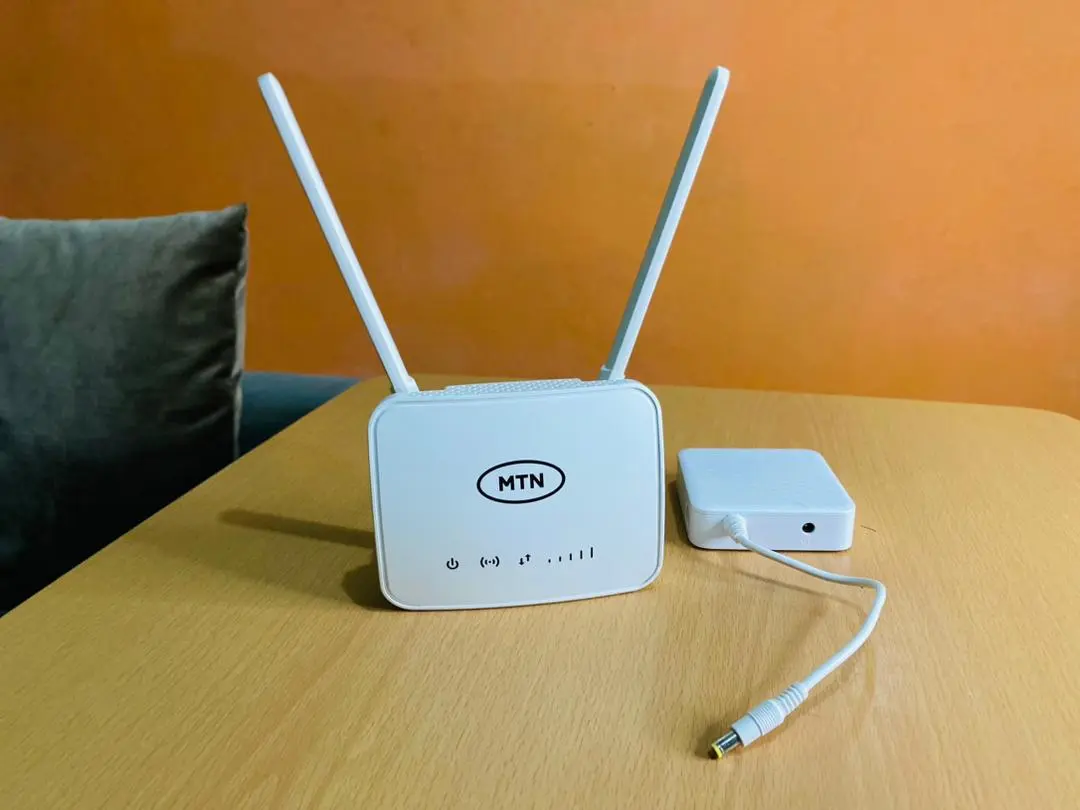
If your fibre speed test is fine by cable but phones crawl in the bedroom, the router (or placement) is often the bottleneck.
ISP Modem vs Own Router
Many ISP boxes are modem+router combos. Options:
- Use ISP Wi‑Fi (simple)
- Bridge/modem mode + your better router (stronger control)
- Add mesh nodes for multi-floor homes
Ask your ISP what they support before buying.
Specs Worth Caring About
| Spec | Guidance |
|---|---|
| Dual-band (2.4 + 5 GHz) | Baseline in 2026 |
| Wi‑Fi 6 | Nice if devices support it — not magic alone |
| Gigabit WAN/LAN | Match fibre plans |
| Easy app setup | Helps non-tech households |
| Mesh-capable | Big homes / thick walls |
Placement Beats Marketing
- Central, elevated, away from microwave/metal cabinets
- Don’t hide the router in a TV cabinet
- For multi-storey, consider mesh over one “powerful” router in the corner
Troubleshooting: Wi‑Fi Connected But No Internet.
FAQ
Will a new router raise my ISP speed?
It can’t exceed your plan. It can help you use more of it wirelessly.
Should I buy the cheapest dual-band?
Fine for one-room. Larger homes outgrow weak antennas fast.
Sources / Verify With
- Your ISP’s compatible equipment list
- Wi‑Fi Alliance basics for Wi‑Fi 5/6 naming
Original Sen Gideons News Studio buyer’s guide.