If your laptop lasts two hours in lectures or client calls, the problem is usually settings + heat + age — not “bad luck.”
Here’s what actually moves the needle.
Fast Wins (Do These Today)
- Lower brightness — biggest free gain
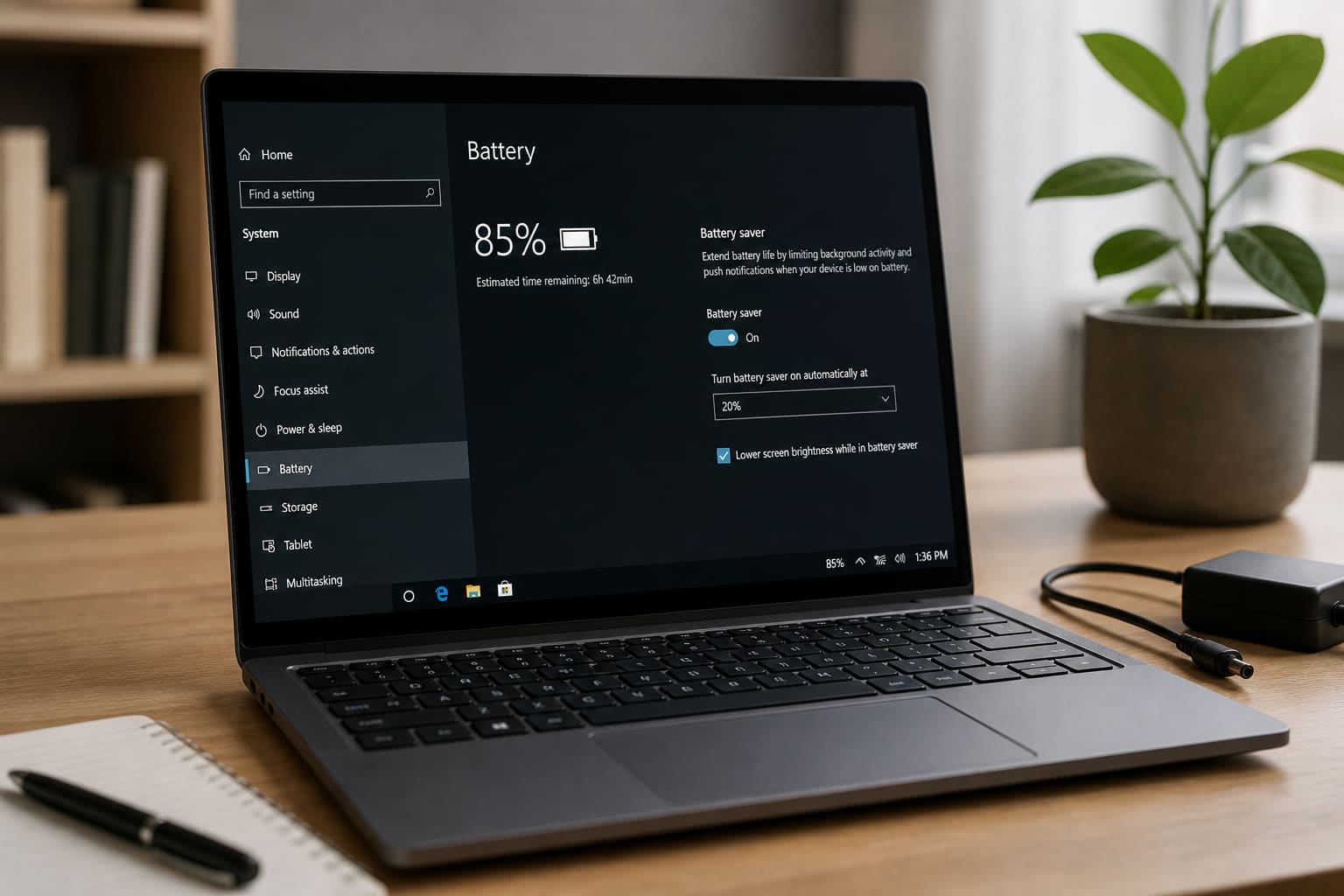
- Use Battery saver / Best power efficiency when unplugged
- Close Chrome tabs and heavy apps (Zoom + CapCut + Chrome = murder)
- Turn off keyboard backlight if you don’t need it
- Disable Bluetooth/Wi‑Fi when unused (Bluetooth drains less than people think; Wi‑Fi scanning can still add up)
- Keep vents clear — heat kills runtime
Windows Settings Worth Checking
| Setting | Where |
|---|---|
| Power mode | Settings → System → Power |
| Screen timeout | Make the screen sleep sooner |
| Background apps | Limit startup apps in Task Manager |
| Battery health report | powercfg /batteryreport in CMD (advanced) |
Habits That Protect Battery Health
- Don’t game on battery if you can plug in
- Avoid leaving the laptop baking in a hot car
- Extreme “always 100% plugged in” vs “always empty” — modern lithium batteries prefer moderate cycles; follow your maker’s guidance
- Use manufacturer “conservation mode” if available (Lenovo/Dell/HP often have charge caps for desk use)
When Hardware Is the Issue
Old batteries lose capacity. If runtime collapsed after 2–3 years of daily use, a genuine battery replacement (or a good external power bank for USB-C laptops) beats software tricks.
Laptop Battery — FAQ
Is it bad to charge overnight?
Modern laptops manage charging better than old myths suggest. Heat and cheap chargers are bigger risks than overnight charging alone.
Does dark mode save battery?
On OLED screens, yes a bit. On most laptop LCDs, almost none.
Should I remove the battery while plugged in?
Only if your model supports it and the maker recommends it — most modern thin laptops don’t.
Sources / Verify With
- Microsoft Windows battery & power docs
- Your laptop brand’s battery care page
Original Sen Gideons News Studio editorial. Results vary by model and battery age.