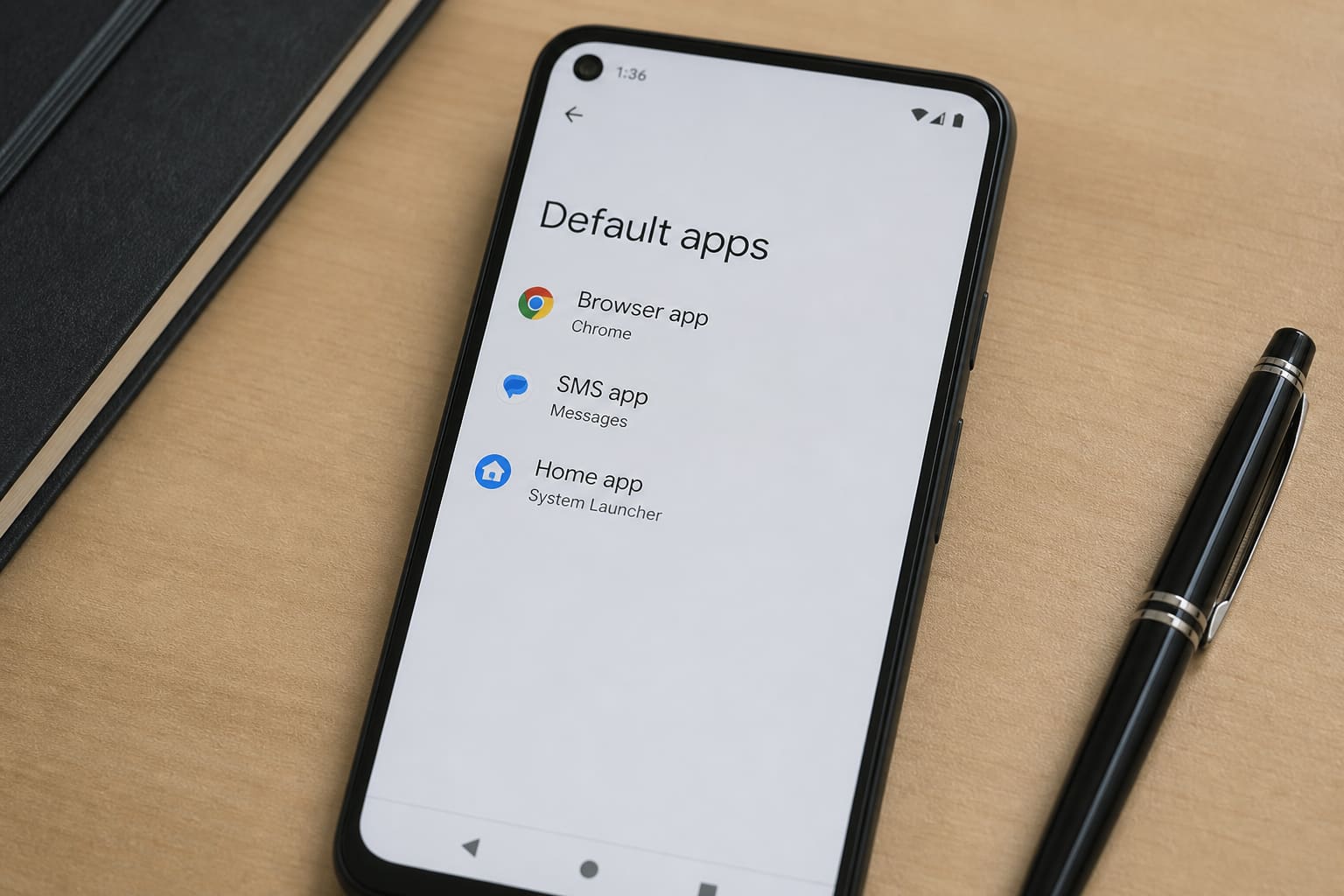
Android lets you pick default apps so links, SMS, and the home screen behave the way you want.
Change Defaults (Modern Android)
- Settings → Apps → Default apps
- Tap the category (Browser, SMS, Phone, Digital assistant, Home app)
- Choose your preferred app
On some brands: Settings → Apps → ⋮ → Default apps.
Common Swaps
| Default | Popular alternatives |
|---|---|
| Browser | Chrome, Firefox, Edge, Brave |
| SMS | Google Messages, manufacturer Messages |
| Launcher / Home | Nova, Microsoft Launcher, stock launcher |
| Phone dialer | Stock dialer (safer for calls/MoMo USSD) |
Install the alternative app before setting it as default.
Clear Defaults for One App
Settings → Apps → [App] → Set as default / Open by default → Clear defaults.
Next time you open a link, Android asks again.
Default Apps — FAQ
Why can’t I set a browser default?
Some carrier skins bury the menu, or the app isn’t installed/enabled.
Did a new app hijack my links?
Clear that app’s defaults or reset app preferences (last resort — resets alerts too).
iPhone version?
iOS also supports default browser/mail in Settings → [App] / default apps (version-dependent).
Sources / Verify With
- Google Android Help — change default apps
Original Sen Gideons News Studio editorial.