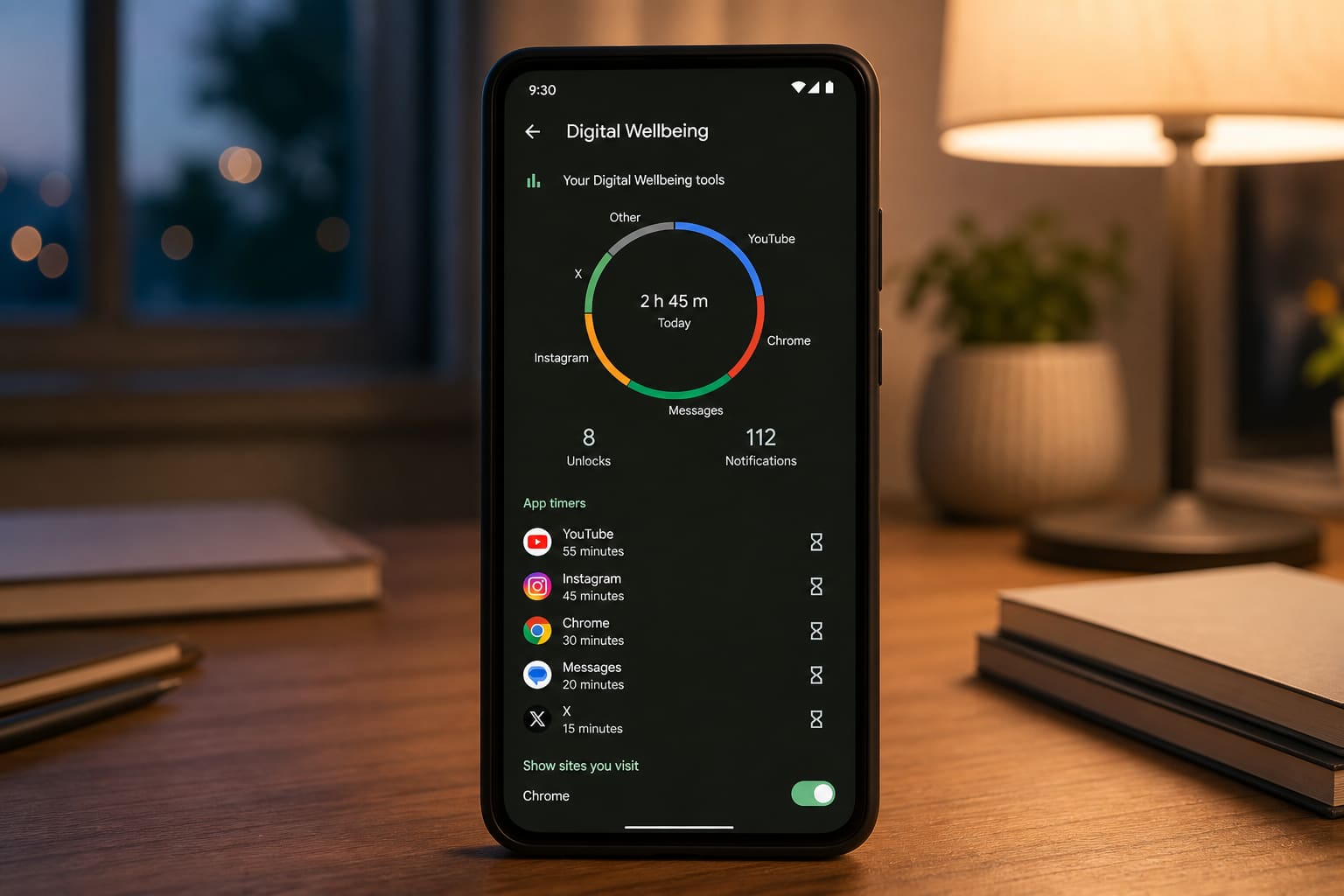
Digital Wellbeing shows where your hours go — then lets you cap the apps that steal them.
Set It Up
- Settings → Digital Wellbeing & parental controls
- Review Dashboard (which apps drain time)
- Set App timers on TikTok/Instagram/YouTube
- Enable Bedtime mode / Greyscale wind-down
- Use Focus mode during study blocks
Some OEMs rename this (Digital balance, etc.).
Make Limits Work
- Don’t keep the pause button too easy
- Combine with notification hygiene
- Charge outside the bedroom if nights are the problem
FAQ
Parental controls for kids?
Family Link is the fuller tool for child accounts — Digital Wellbeing is more self-control for you.
Bypass timers?
Possible if you try — treat timers as training wheels, not prison.
Sources / Verify With
- Google Digital Wellbeing help
Original Sen Gideons News Studio editorial.