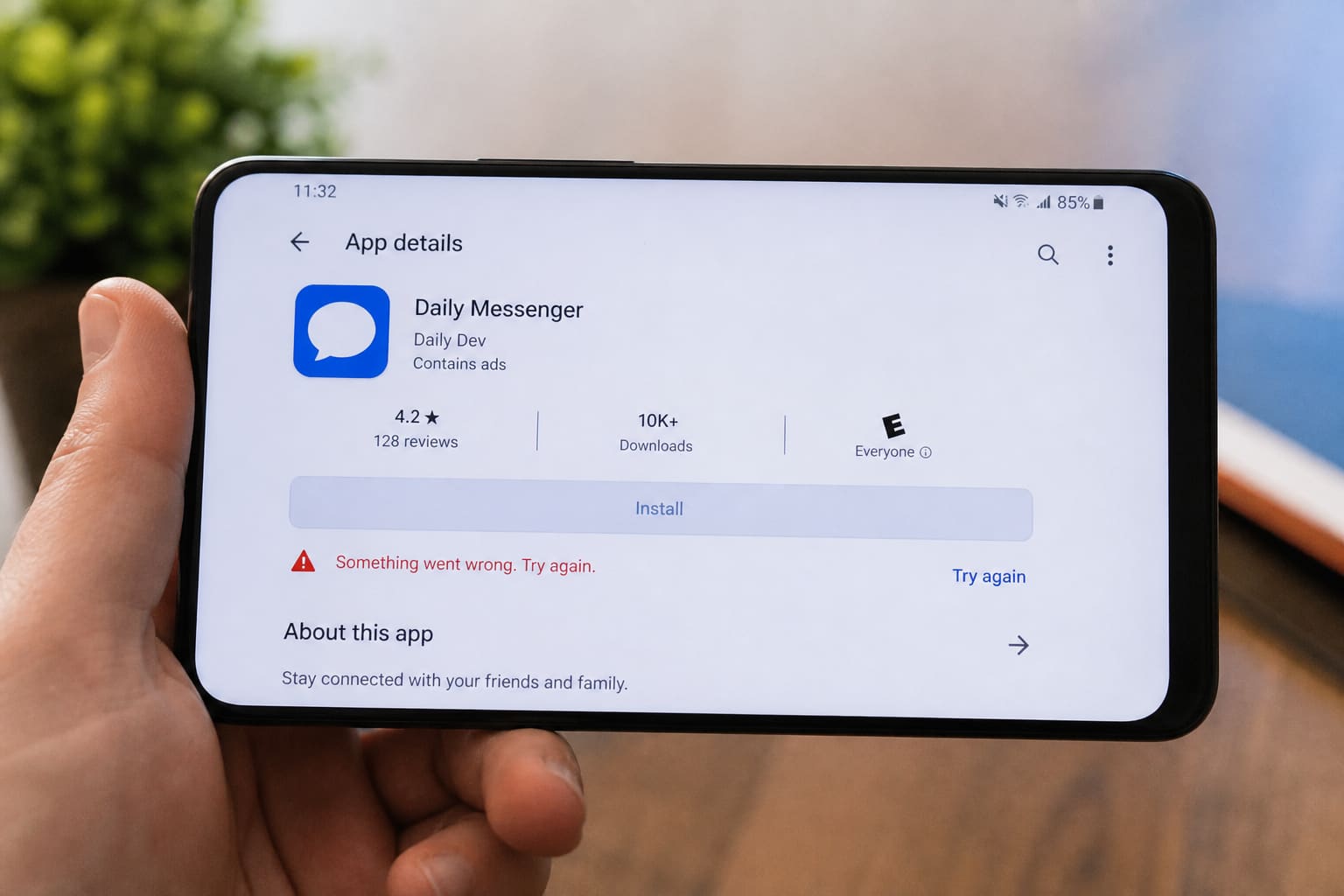
When Google Play Store breaks, updates and banking apps stall. Fix the simple causes first.
Quick Fixes
- Toggle Airplane mode on/off
- Switch Wi‑Fi ↔ mobile data
- Check date & time is automatic
- Clear Play Store cache: Settings → Apps → Google Play Store → Storage → Clear cache
- Clear Google Play Services cache (not data unless needed)
- Update Play Store from its own About / Update button if available
- Restart phone
If It Still Fails
| Issue | Try |
|---|---|
| VPN / DNS apps | Disable temporarily |
| Storage full | Free space (cache guide) |
| Google account glitch | Remove account → re-add (know your password/2FA) |
| Region / payment errors | Check country on Google payments profile |
Avoid random “Play Store fixer” APKs.
FAQ
Clear data vs cache?
Cache first. Clear data resets Play Store settings and may require signing in again.
Only some apps missing?
Device compatibility or country availability — not always a “broken store.”
Sources / Verify With
- Google Play Help troubleshooting
- Your OEM support if Play is missing on a weird firmware build
Original Sen Gideons News Studio editorial.