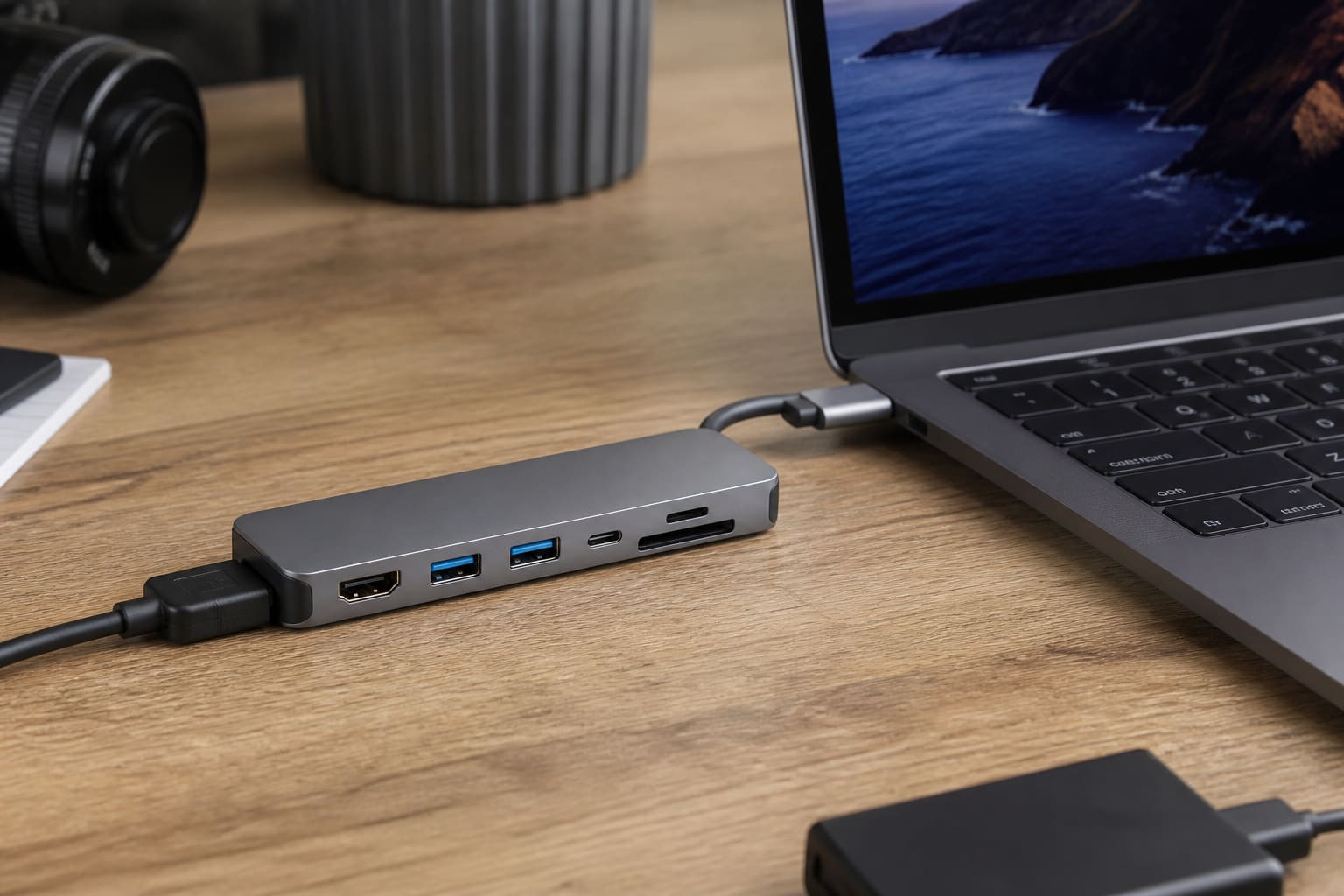
Modern laptops trade ports for thinness. A good USB-C hub brings HDMI, USB-A, and charging back — a bad one overheats and drops displays.
Pick Ports You Will Use
| Port | Why you might need it |
|---|---|
| HDMI | Class projector / monitor |
| USB-A | Flash drives, mouse receivers |
| USB-C data | External SSD |
| PD pass-through | Charge laptop while hub is plugged in |
| SD reader | Cameras / some creators |
| Ethernet | Stable fibre when Wi‑Fi is weak |
Don’t pay for seven ports you’ll never use.
Compatibility Checks
- Your laptop USB-C must support DisplayPort Alt Mode for HDMI video
- Some ports are charge-only — hubs won’t display
- Check Mac vs Windows quirks for the exact chipset
Related: Dual Monitors on Windows.
Red Flags
- No brand, no chipset info
- Claims 8K HDMI on mystery hubs
- Gets burning hot driving a 4K monitor
FAQ
Hub vs dock?
Docks are heavier/pricier with more ports and sometimes dual monitor support — overkill for most students.
Will any hub charge my laptop?
Only with proper PD negotiation and a strong enough charger.
Sources / Verify With
- Laptop maker’s USB-C port specs
- Hub manufacturer PD wattage ratings
Original Sen Gideons News Studio buyer’s guide.