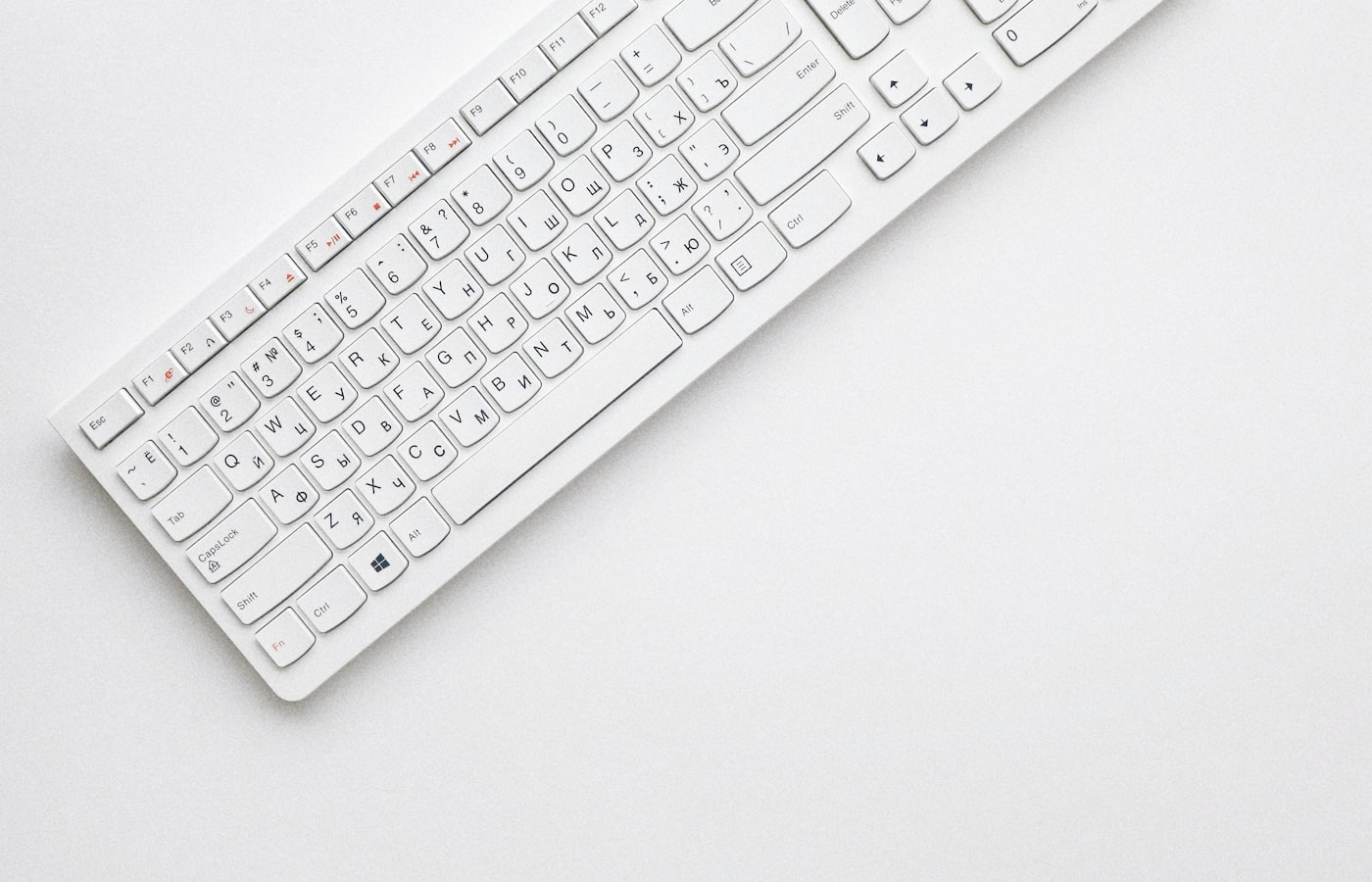
Your laptop keyboard may be fine — until you type for six hours. Then the keyboard debate starts.
Quick Comparison
| Membrane | Mechanical | |
|---|---|---|
| Feel | Softer, quieter (usually) | Tactile/clicky options |
| Price | Cheaper entry | Higher, wider range |
| Repair | Often whole-unit replace | Switches/keycaps sometimes swappable |
| Noise | Hostel-friendly | Can annoy roommates |
| Gaming | Fine for casual | Preferred by many gamers |
What to Choose
- Hostel / shared office: quieter membrane or silent mechanical switches
- Heavy typing: try mechanical in-store if possible (brown/red vs blue click)
- Portable: compact 75%/TKL layouts save desk space
- Mac users: check Windows/Mac layout and Command key labelling
Buyer Checklist
- USB or Bluetooth (batteries for wireless)
- Ghana dust — removable keycaps help cleaning
- Spill resistance claims (still don’t drink over it)
Related: Laptop Keyboard Not Working.
FAQ
Are expensive keyboards worth it?
Only if you type daily. A solid mid-range beats RGB-only toys.
Laptop + external keyboard?
Yes — best of both; close the lid on a stand if you like.
Sources / Verify With
- Switch type samples (if the shop has demo units)
Original Sen Gideons News Studio buyer’s guide.