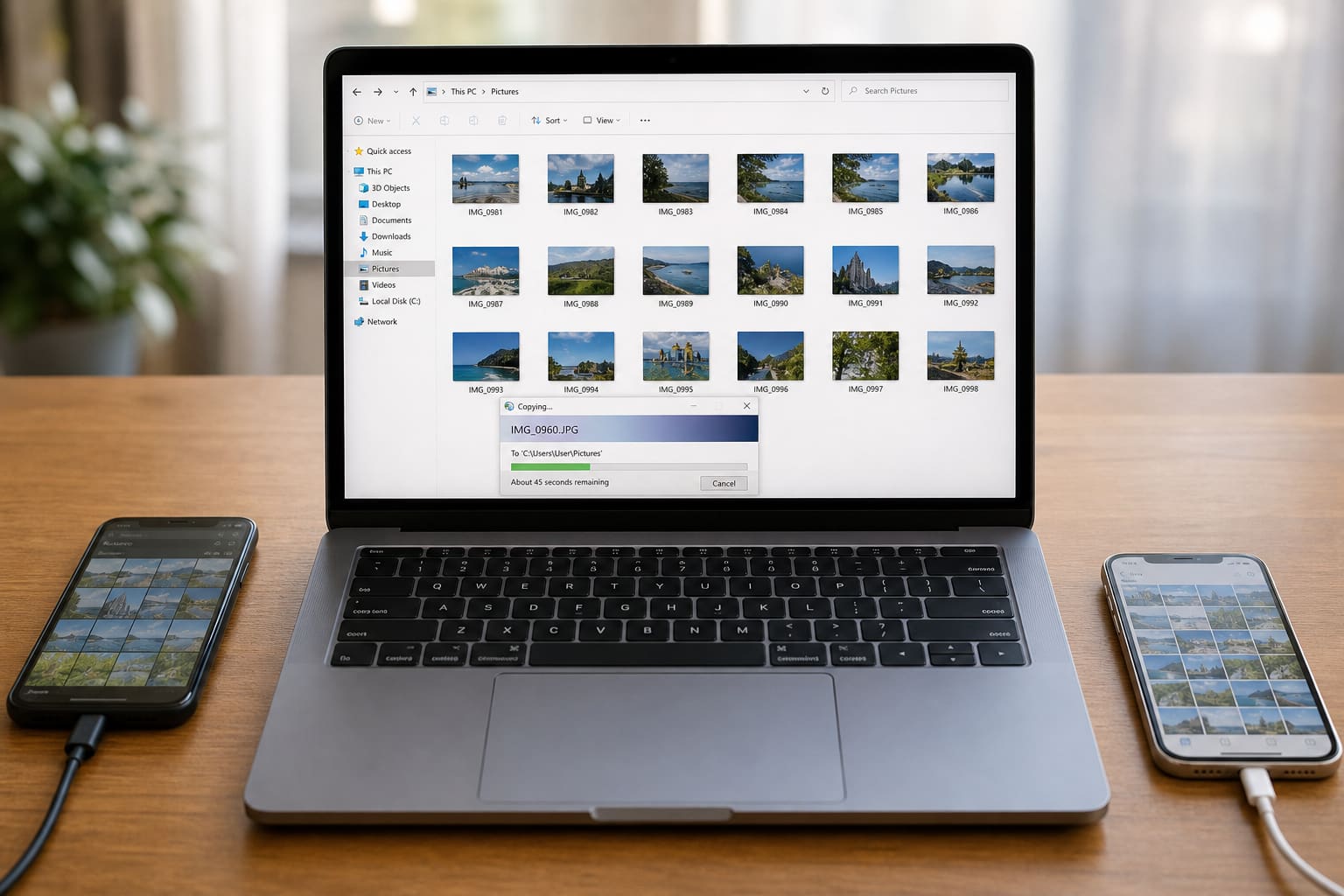
Transferring photos shouldn’t require losing half your gallery. Whether it’s project images, product shots, or family pictures, use a method that keeps quality.
Method 1: USB Cable (Reliable, Free)
Android → Windows
- Use a working data cable (some cables charge only).
- Unlock phone → set USB mode to File transfer / MTP.
- Open the phone in File Explorer →
DCIM/Pictures. - Copy to a laptop folder.
iPhone → Windows
Often easiest via Google Photos download or Apple’s official transfer tools/iTunes/Finder workflows depending on setup. Many people prefer cloud for iPhone↔Windows.
iPhone → Mac
Use Finder/Photos or AirDrop between Apple devices.
Method 2: Google Photos (Best Cross-Platform)
- Back up phone photos to Google Photos (Wi‑Fi).
- On laptop, open photos.google.com
- Download selected images/albums
Watch storage quotas.
Method 3: WhatsApp Document Trick (Small Batches)
Send photos to “Document” in a private chat with yourself (Saved Messages / own number chat) to reduce compression — still not perfect for pro work. Prefer cable/cloud for quality.
Method 4: USB-C Flash / OTG (Android)
Copy from phone to OTG drive, then to laptop — handy without drivers drama.
Phone to Laptop Transfer — Quick Comparison
| Method | Best for | Watch-outs |
|---|---|---|
| Cable | Large batches | Need data cable |
| Google Photos | Android + Windows | Storage limits |
| AirDrop | iPhone + Mac | Apple ecosystem |
| Few images urgently | Compression |
Tips for Business Product Photos
- Transfer originals before heavy WhatsApp forwarding
- Keep a folder structure:
Products/2026/March - Rename files meaningfully before Canva imports
FAQ
Why does USB only charge?
Cable/port limitation — try another cable or enable file transfer mode.
Do I lose quality on Google Photos?
Depends on backup settings (original vs storage-saver). Check before relying on it for print work.
Can I transfer WhatsApp images too?
Yes — locate WhatsApp media folders on Android or use export/backup strategies carefully.
Sources / Verify With
- Google Photos Help
- Apple / Android transfer documentation for your OS
This article is original editorial for Sen Gideons News Studio. Menus vary by brand and OS version.