A slow Windows laptop can turn lectures and freelancing into punishment. Good news: many fixes are free and take under an hour.
Here’s a safe order of operations before you format everything.
Why Windows Laptops Get Slow
- Hard disk (HDD) instead of SSD
- Startup apps piling up
- Almost-full storage
- Browser overload (40 Chrome tabs)
- Malware / fake “optimiser” tools
- Overheating dust + heat throttle
- Too little RAM for modern multitasking
Fix Checklist (Do These First)
1. Free Disk Space
Delete huge videos/downloads. Empty Recycle Bin. Aim for free space on C:.
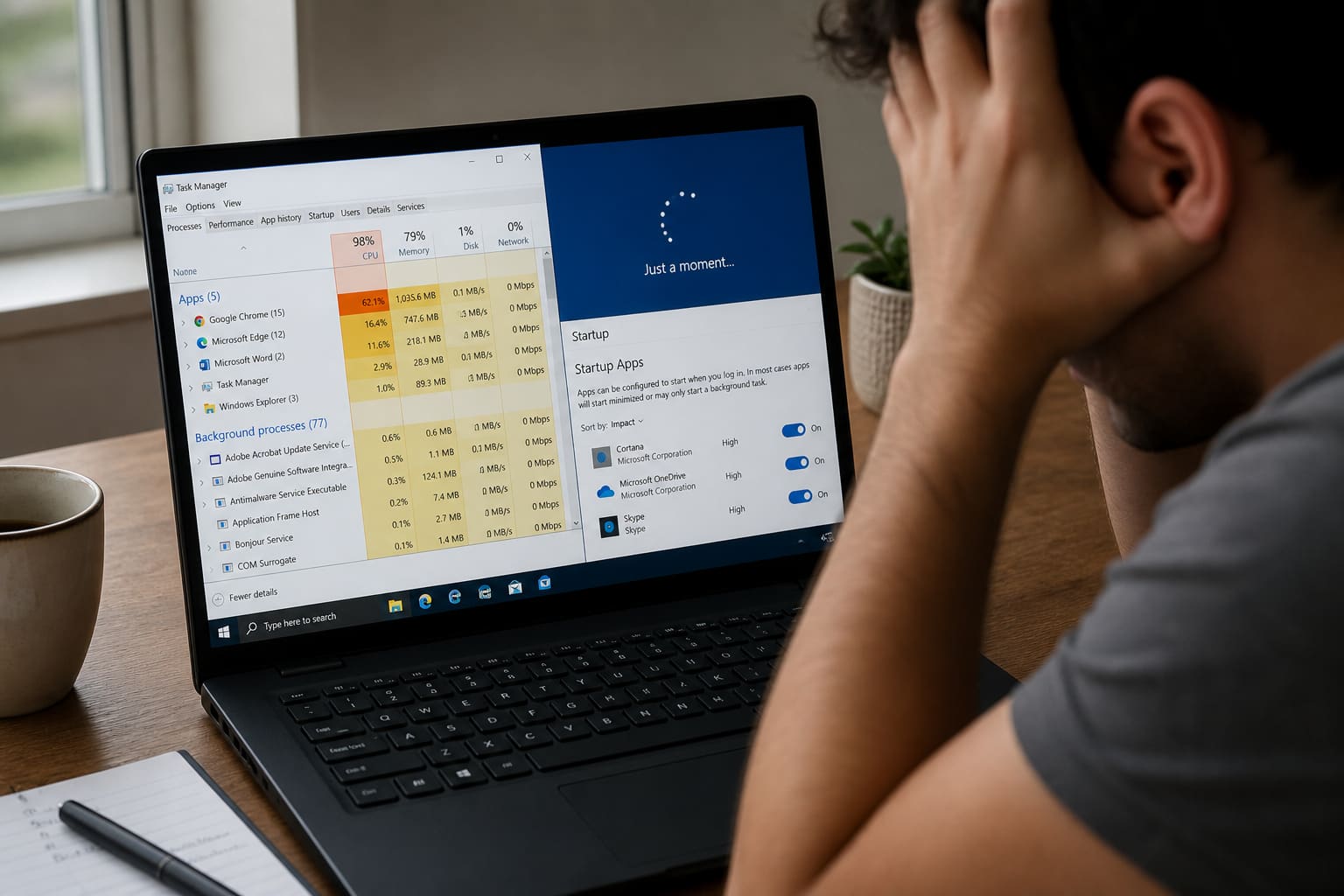
2. Disable Startup Junk
Ctrl + Shift + Esc → Startup apps → disable what you don’t need (Leave antivirus alone).
3. Run Windows Update
Install pending updates, then reboot.
4. Uninstall Bloat
Remove toolbars, trial antivirus packs, and “PC cleaner” apps you don’t trust.
5. Check Task Manager
See which app eats CPU/RAM/Disk. End obvious offenders.
6. Scan With Windows Security
Run a full scan. Avoid random Telegram “crack boosters.”
7. Cool the Machine
Hard surfaces, clean vents carefully, don’t block fans on beds/pillows.
Slow Windows Laptop — Quick Wins Table
| Symptom | Likely fix |
|---|---|
| Always disk at 100% | SSD upgrade / reduce startup |
| Fast then crawls | Storage full / malware |
| Hot + loud | Dust/heat; reduce load while charging |
| Only Chrome lags | Fewer tabs / lighter browser profile |
When Hardware Is the Real Issue
If the laptop uses an HDD, software cleaning helps only a little. An SSD upgrade (plus fresh Windows when possible) is often the biggest leap.
Also consider more RAM if the model supports it — especially 4GB machines.
Reset Options
Windows “Reset this PC” can help if software is corrupted — backup files first. Fresh install is stronger but more work.
FAQ
Should I use CCleaner-type tools?
Not required. Built-in Storage settings + uninstalling junk is safer than aggressive cleaners.
Does more RAM always help?
It helps multitasking. It won’t fix a dying HDD alone.
Is factory reset safe for school files?
Only after backing up Documents/Desktop/Downloads to Drive/USB.
Sources / Verify With
- Microsoft Windows Support performance guidance
- Your laptop maker’s upgrade docs (RAM/SSD compatibility)
This article is original editorial for Sen Gideons News Studio. Steps vary slightly by Windows 10/11 builds.