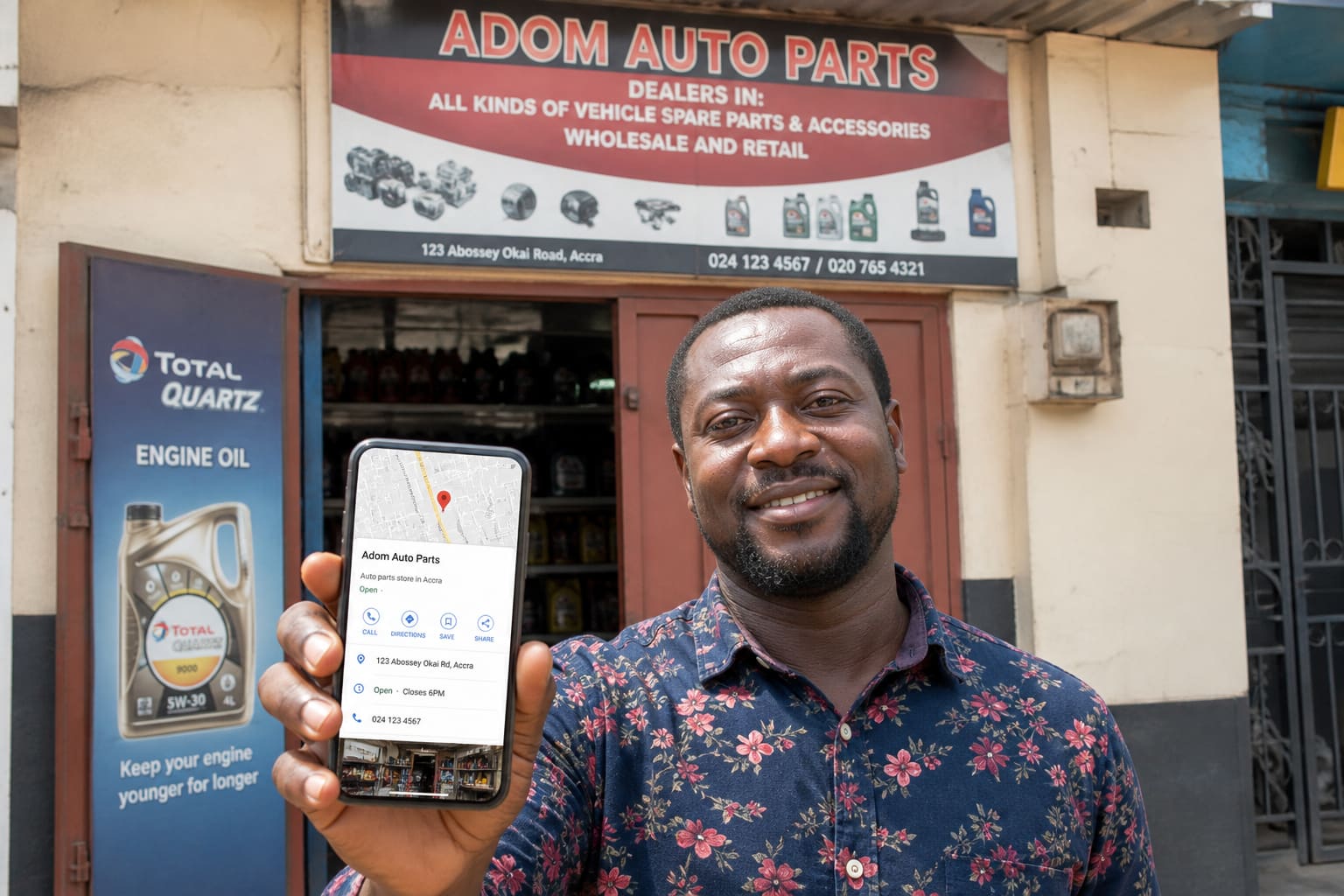
If customers search “salon near me” or “phone repair Accra,” Google Business Profile (Maps + Search) is often how they find you.
Here’s a practical setup guide for Ghanaian SMEs. Google’s menus change occasionally — use the official Business Profile flow.
Why Google Business Profile Matters
- Free visibility on Google Search/Maps
- Shows calls, WhatsApp, directions, hours
- Builds trust with photos and reviews
- Helps you compete with bigger shops
What You Need Before Starting
- Business name (consistent everywhere)
- Exact address or service-area description
- Phone number (preferably a stable MoMo/business line)
- WhatsApp number if you take orders there
- Category (salon, restaurant, electronics, etc.)
- Photos of storefront, products, team (clear daylight shots)
- Gmail account you control long-term
How to Set Up Google Business Profile (Step-by-Step)
- Go to the official Google Business Profile create flow while logged into Gmail.
- Enter your business name.
- Choose the most accurate category.
- Add location (or service area if you go to customers).
- Add phone, WhatsApp link if available, and website/social if you have one.
- Complete verification (postcard, phone, email, or other methods Google offers for your case).
- Finish the profile: hours, description, photos, attributes.
Unverified profiles get limited trust and features.
Optimise So You Actually Get Calls
| Section | Tip |
|---|---|
| Name | Don’t stuff keywords spammy-style |
| Category | Pick the real primary service |
| Hours | Keep updated for holidays |
| Photos | Storefront + products + interior |
| Description | Clear services + area (Accra, Kumasi, etc.) |
| Reviews | Ask happy customers politely |
Respond to reviews professionally — even criticism.
Common Mistakes
- Fake addresses
- Wrong category (“restaurant” for a boutique)
- Stolen photos
- Letting an ex-staff Gmail own the profile
- Ignoring messages/Q&A
Google Business Profile — Quick Facts
| Goal | Action |
|---|---|
| Appear on Maps | Verify location |
| Get calls | Correct phone + hours |
| Look legit | Real photos |
| Rank better locally | Reviews + accurate info + activity |
FAQ
Is it free?
Creating a profile is free. Optional ads are separate (Google Ads).
Can I manage two shops?
Yes — use the same Google account carefully or set managers properly.
How long does verification take?
Depends on method/location. Start early before a big launch.
Sources / Verify With
- Google Business Profile Help
- Official Google Maps listing after verification
This article is original editorial for Sen Gideons News Studio. Google UI labels can change.