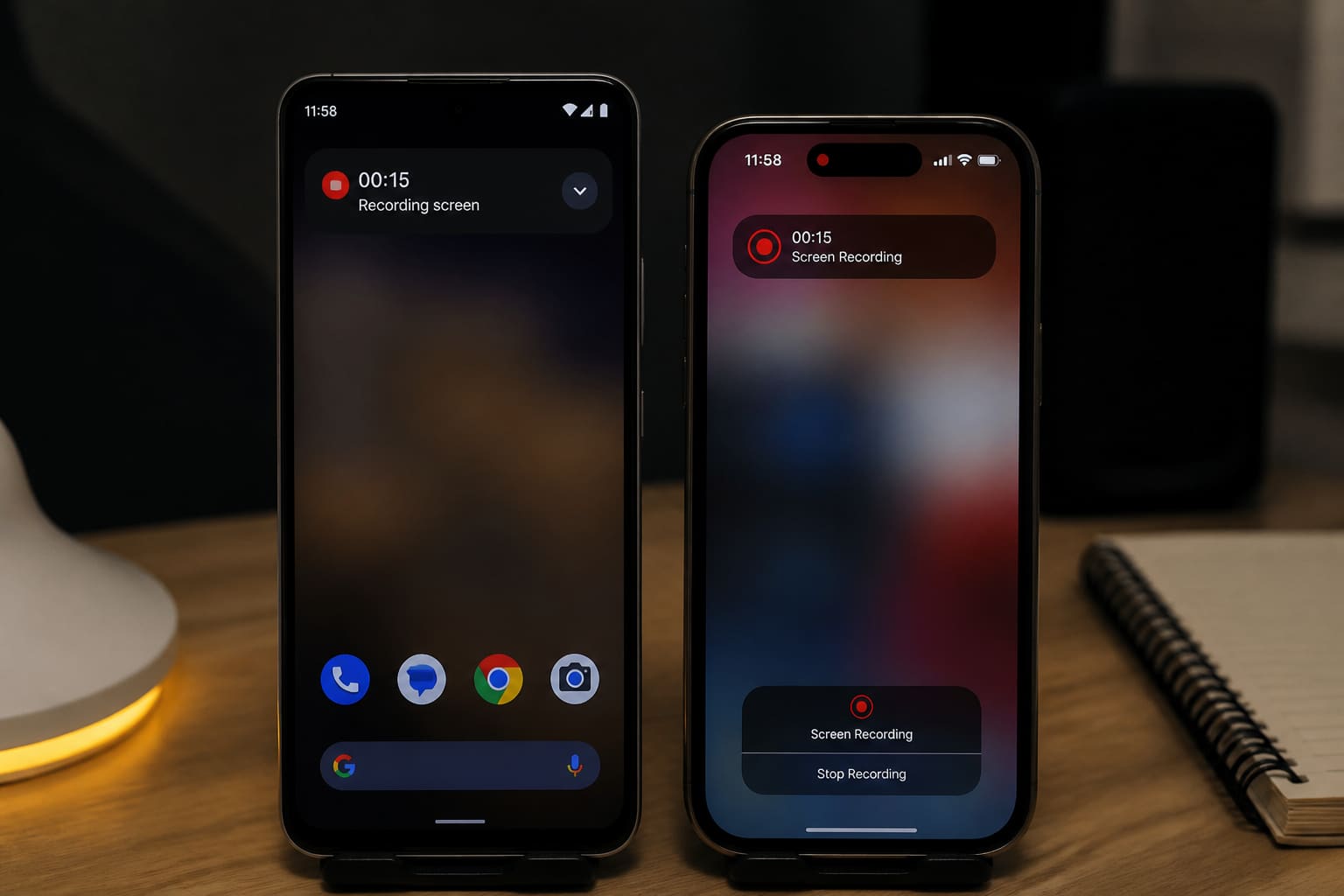
Screen recording is useful for tutorials, bug reports, class demos, and content creation — no shady third-party recorder required on modern phones.
Android Screen Record (Built-in)
On most modern Androids:
- Swipe down the quick settings panel (twice if needed).
- Tap Screen recorder (or add it via the pencil/edit tiles).
- Choose audio: mic / media / both (options vary by brand).
- Start recording → confirm permissions.
- Stop from the notification/timer.
Find the video in Gallery / Files.
Samsung, Xiaomi, Infinix, Tecno labels differ slightly — search Settings for “screen record” if the tile is missing.
iPhone Screen Record
- Settings → Control Center → add Screen Recording.
- Open Control Center.
- Long-press Screen Recording to enable microphone if needed.
- Tap to start (3-second countdown).
- Tap the red status bar/clock to stop.
Videos save to Photos.
Screen Recording Tips
| Tip | Why |
|---|---|
| Close sensitive notifications | Avoid showing OTPs/chats |
| Enable Do Not Disturb | Fewer popup interruptions |
| Plan taps first | Shorter cleaner videos |
| Use mic sparingly | Background noise |
| Record in good storage space | Failures on full phones |
For WhatsApp / YouTube
- Trim in the built-in editor
- Export/share as file when quality matters
- Don’t record banking apps if policies forbid it
- Ask permission before recording people on calls
Screen Record — Quick Facts
| Device | Built-in tool |
|---|---|
| Android | Quick Settings Screen recorder |
| iPhone | Control Center Screen Recording |
| Best practice | Hide notifications |
| Storage | Keep free space |
FAQ
Why don’t I see Screen recorder on Android?
Older phones may lack it, or the tile is hidden. Update system software or check manufacturer features.
Can I record internal app audio?
Depends on OS/brand and the app’s protections. Some apps block capture.
Is third-party screen recorder safer?
Built-in is usually safer than unknown APK recorders asking for invasive permissions.
Sources / Verify With
- Google Android Help / your phone maker support
- Apple Support — record the screen on iPhone
This article is original editorial for Sen Gideons News Studio. Menus vary by brand and OS version.